TradesRoster / For tradespeople
Find subcontract work and share your availability.
Give other contractors a clear picture of what you do. Build a portfolio, explain the work you take on, and connect with members about their jobs.
The jobs and availability boards require sign-in. Openings depend on member posts; work is not guaranteed.
01 / Show relevant work
Make it easy to understand what you take on.
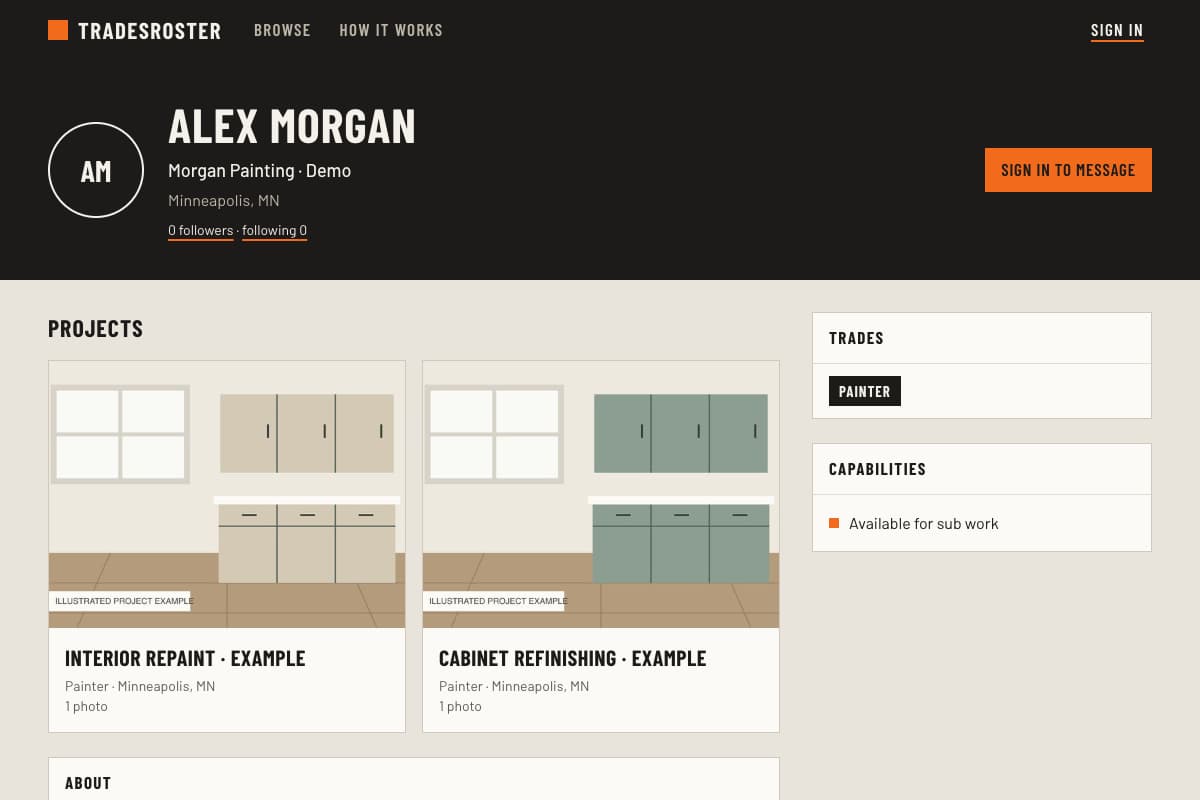
List your trades, specialties, and the kinds of work you want. A contractor looking for cabinet refinishing needs different experience from one looking for a commercial repaint crew.
- Name your trade and the work you regularly do.
- Add project photos with your role and the scope.
- Describe relevant skills, tools, and work preferences.
- Choose your contact and profile visibility settings.
Profiles start members-only. Make yours public if you want people outside TradesRoster to view it and search engines to find it.
Example project description
Interior repaint: walls, trim, and doors
My part of this project was the preparation and repainting of the living room and hallway. I repaired small surface defects, sanded the trim, and applied the wall and trim finishes. The photos show the prepared surfaces and the completed rooms.
This is a writing example, not a member's project. Use your own scope and photos, describe your contribution accurately, and leave customer addresses and private details out.
02 / Share your dates
Let members know when you can take work.
The “Available for sub work” preference on your profile describes the kind of work you take. A separate availability post tells members your available dates, trade, work type, and service area.
Keep those dates current. Other members can browse availability and message you to discuss whether a job fits.
Location and distance search currently use U.S. ZIP codes or city and state. Support for other countries' addresses is planned.
Sign in to share availability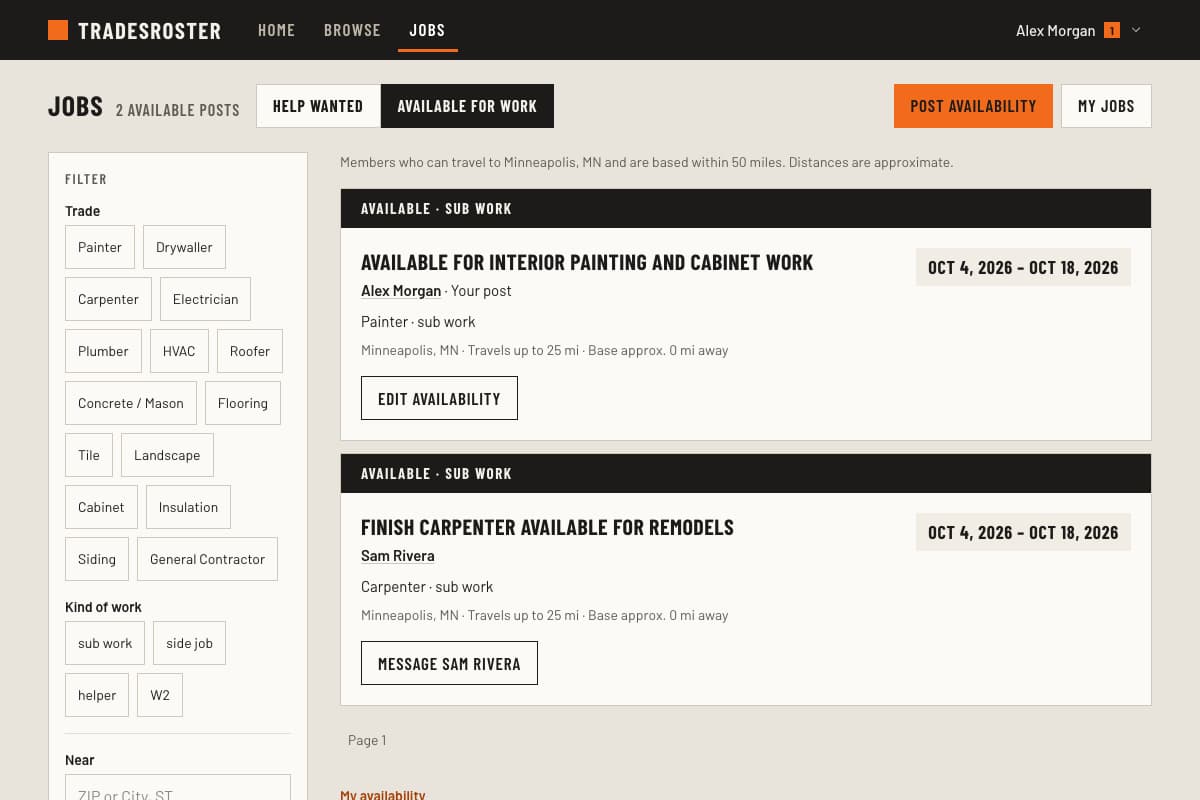
03 / Discuss the job
Respond with the details a contractor needs.
Browse member help-wanted posts by trade, work type, and location. When a job fits, respond to an open slot with a note about your experience and schedule.
Be specific about which part you can take on. Use messages to clarify scope, materials, dates, and payment before agreeing to work. Follow other tradespeople to keep up with their projects and stay in contact.
Sign in to browse jobs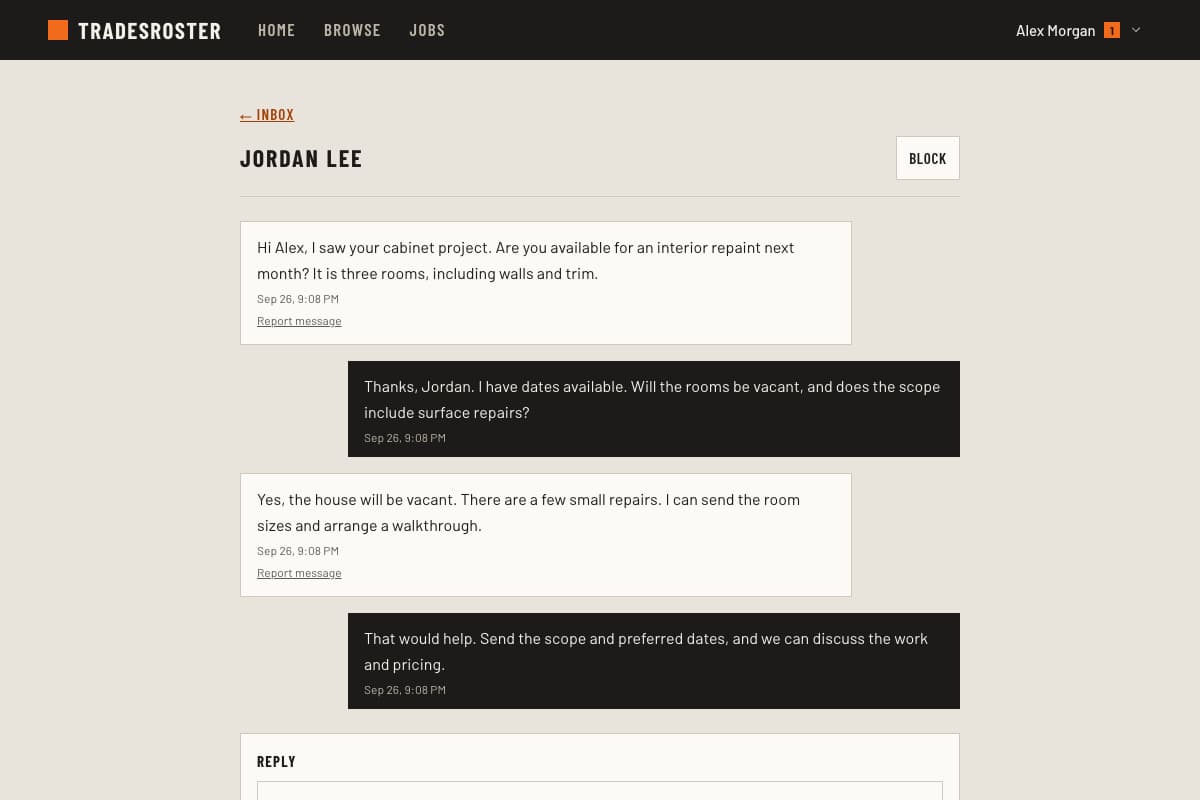
Start with work you can show.
A few well-described projects give another member something concrete to review. Add to your portfolio as you complete more work.
Need help on your own job? Learn how to find subcontractors.